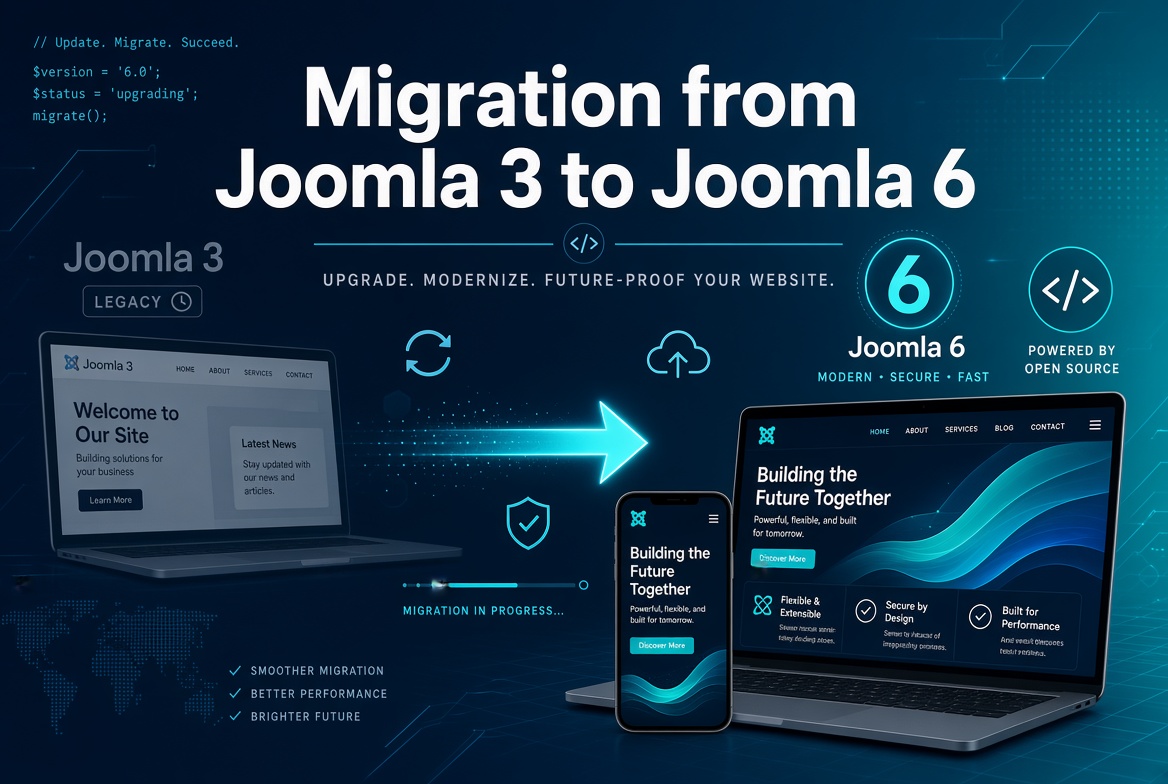
Joomla 3 reached end-of-life on August 17, 2023 — no security patches, no bug fixes, nothing. If your site is still running on it, you're not just missing out on new features; you're running on software nobody is watching for vulnerabilities anymore. Joomla 6 is the current generation, and it requires PHP 8.3+ and MySQL 8.0.13+ (or MariaDB 10.4+), which tells you how far the gap has grown.
Here's the part that trips people up: you cannot upgrade directly from Joomla 3 to Joomla 6. It's not a one-click update — it's a migration through several intermediate versions, each with its own breaking changes. This guide walks through the real path, in order, with the specific things that tend to go wrong at each stage.
The migration path
There's only one supported route, and skipping steps isn't optional:
Joomla 3.10.12 → Joomla 4.4.x → Joomla 5.4.x → Joomla 6.0.x
Joomla 5.4 is the LTS (long-term support) release, and it's a mandatory waypoint — Joomla's own release notes are explicit that you cannot jump to Joomla 6 from any version earlier than 5.4. Each stage below crosses a different kind of technical boundary, and the middle one (3 → 4) is by far the hardest.
Before you touch anything: preparation
This stage is where most migration disasters are actually prevented, not the stage where they happen. Don't skip it.
- Full backup, off-server. Use Akeeba Backup or your host's backup tool, and download the archive somewhere that isn't the server itself. If anything goes wrong at any later stage, this is your only way back.
- Update to the latest Joomla 3.10.x first. Make sure you're on the final 3.10.12 release before starting, with every 3.x extension updated to its last available version.
- Audit every extension and the template for compatibility, and update before you migrate — not after. Go through every installed component, module, and plugin and check the developer's changelog, JED listing, or extension site for an explicit "compatible with Joomla 4/5/6" note — don't assume it works just because it doesn't throw an error on Joomla 3. Anything with an available compatible update should be updated to it before you start moving to the next Joomla version, so you're migrating with current extensions rather than compounding an outdated extension with a version jump at the same time. Anything abandoned by its developer needs a replacement identified now, not mid-migration.
- Clean house. Remove unused extensions, old media files, and stale database tables. A smaller, cleaner Joomla 3 install migrates more predictably than a decade of accumulated cruft.
- Set up a staging copy. Never run your first migration attempt on the live site. Clone it to a subdomain or local environment and rehearse the whole path there first.
Stage 1: Joomla 3 → Joomla 4 (the architecture bridge)
This is the step that breaks things, because Joomla 4 rewrote the MVC layer to be fully namespaced. Old-style Joomla 3 code — bare global classes like JFactory, JHtml, JRoute, JText — no longer resolves by default. Joomla 4 and 5 ship a Backward Compatibility plugin that keeps most of this working, which is why the jump to 4 is survivable even with some legacy extensions still installed.
What actually happens in this stage:
- Core content, users, menus, and categories migrate through Joomla's own update process.
- Your template will not survive this step unless it was specifically built or updated for Joomla 4 — Joomla 3 templates use a completely different structure. Budget time to pick and configure a Joomla 4+ compatible template.
- Third-party extensions that call core component models directly (a common Joomla 3 pattern using
JModelLegacy::addIncludePath()) will silently return empty results, because that code path no longer finds anything under Joomla 4's namespaced MVC. There's usually no visible error — just a module or component that quietly stops showing data.
Practical tip: run the migration on staging, then click through every page template, every module position, and every custom form field before declaring it done. "No errors on screen" is not the same as "working correctly" — a lot of Joomla 4 breakage is silent.
This is usually the stage where migrations quietly go wrong.
I can safely migrate your Joomla website and test everything on a staging server — extensions, template, and custom code — before anything goes live.
Request a Joomla Migration Quote →Stage 2: Joomla 4 → Joomla 5.4 (refinement)
This is a much smoother step, since Joomla 4 and 5 share the same architectural foundation. Run it through the standard Joomla Update component rather than a manual reinstall. The main things to check afterward:
- Any extension still leaning on the Backward Compatibility plugin should be flagged — Joomla 5.4 is your last chance to replace it before Joomla 6 makes that plugin opt-in and disabled by default.
- Re-test third-party payment, form, and newsletter plugins specifically, since these tend to be the extensions least frequently updated by smaller developers.
Stage 3: Joomla 5.4 → Joomla 6.0
Once you're stable on 5.4, the jump to 6.0 is the easiest technical step — but it's also where previously-hidden compatibility debt surfaces, because Joomla 6 changes a few defaults that Joomla 5 was more forgiving about:
- The Backward Compatibility plugin ships disabled by default on fresh Joomla 6 installs (upgrades from 5.4 keep it enabled, but don't rely on that indefinitely). If a legacy extension throws "Class not found" errors after upgrading, enabling Behaviour – Backward Compatibility 6 under Extensions → Plugins is the fastest diagnostic step — but treat it as a temporary bridge, not a permanent fix.
- PHP 8.3+ is required, and PHP 8.2+ already deprecates "creation of dynamic property" — a pattern common in older custom helper classes that set
$this->somePropwithout declaring the property. It shows as a visible deprecation notice rather than a fatal error, but it's worth cleaning up in any code you maintain. - jQuery is no longer auto-loaded on every admin page. Custom admin form fields (category pickers, layout selectors) that assumed jQuery was always present may render correctly but stop responding to clicks — a classic "looks fine, does nothing" bug.
- Bootstrap 5's JS has no jQuery plugin API. Old code calling
$(el).modal('hide')or.tooltip()in the jQuery-plugin style will throwis not a functionerrors. This only shows up after the jQuery issue above is fixed, so don't misdiagnose one as the other.
If an extension breaks the site along the way
Even after auditing everything beforehand, something occasionally slips through — a component that goes blank, a fatal error, or a page that just stops rendering after one of the update steps above. Before you start guessing, turn on Joomla's debug mode: System → Global Configuration → System tab → Debug System: Yes (add Debug Language: Yes too if you suspect a language override is involved). With it on, Joomla shows the full PHP stack trace, deprecation notices, and the actual SQL queries being run on the page instead of a blank screen or a generic error — which usually points straight at the extension and file responsible instead of leaving you guessing between a dozen installed extensions.
Once you've identified and fixed the issue, turn debug mode back off. It exposes file paths, query structure, and other internals that shouldn't be visible to real visitors on a live site.
After the migration: what to verify
Don't consider the job done until you've checked:
- 404s and SEF URLs. Compare your pre-migration sitemap against post-migration URLs. If anything changed, set up 301 redirects before Google recrawls the site — this is the single biggest way migrations quietly damage search rankings.
- Forms and email delivery. Contact forms, newsletter signups, and checkout flows are exactly the kind of feature that "looks fine" but silently fails after a framework change — test every one manually, don't just eyeball the admin panel.
- Extension update sites. Confirm every extension is now pointed at a Joomla 6-compatible update server, not still checking an old feed that will offer incompatible versions.
- Full backup of the finished Joomla 6 site, separate from your pre-migration Joomla 3 backup, before you consider the project closed.
When to bring in help
If your site is running heavily customized extensions, VirtueMart or another e-commerce component, or a template with years of manual overrides, the Joomla 3 → 4 step in particular is not a great place to learn migration by trial and error on a production site. It's the stage where "quietly broken" is far more common than "visibly broken," and the difference between the two is usually a few hours of someone who's traced this exact failure pattern before.
Sitting on an old Joomla 3 install and want it done properly?
I handle Joomla migrations end to end — staged, tested, and verified before anything touches your live site.
Request a Joomla Migration Quote →