Joomla Security Vulnerabilities: Why Updating JCE Editor and SP Page Builder Is Critical

Joomla Security Vulnerabilities: Why Updating JCE Editor and SP Page Builder Is Critical

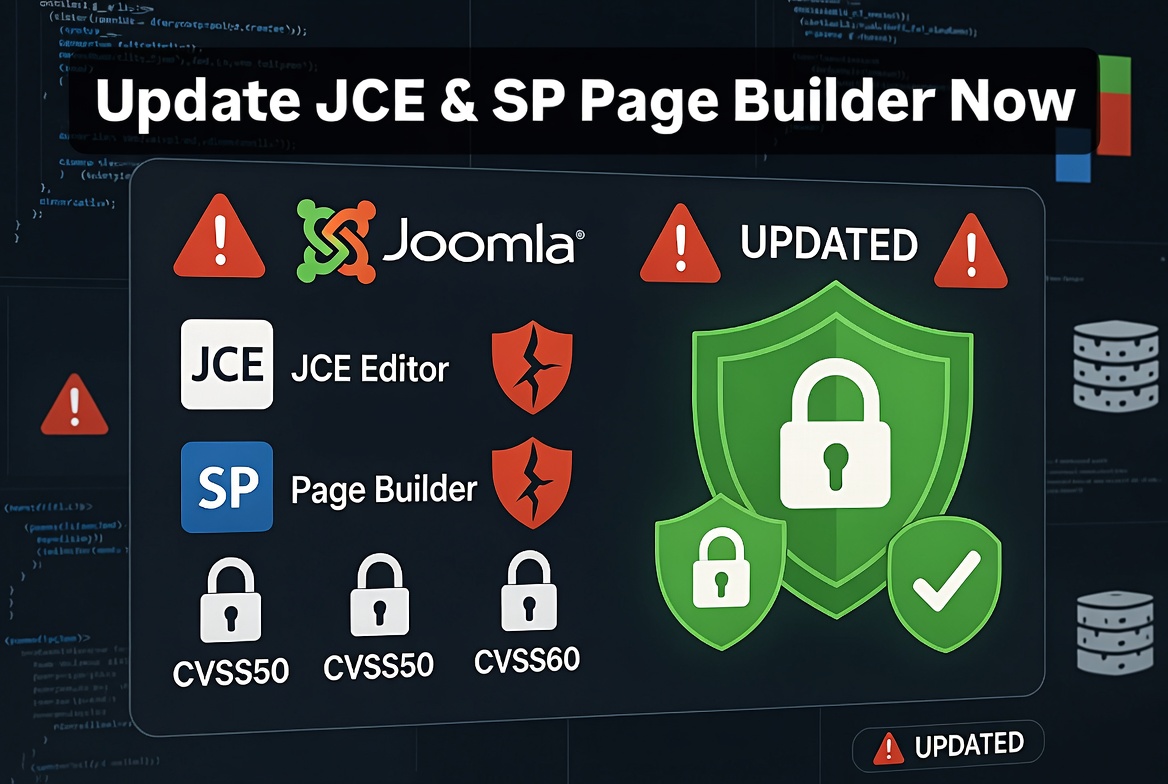
Keeping Joomla secure is not only about updating the Joomla core. Third-party extensions are an equally important part of website security.

Many Joomla websites are compromised not because of Joomla itself, but because installed extensions, templates, or plugins are outdated and contain known security vulnerabilities.

Two popular Joomla extensions that require regular updates are:

  • JCE Editor
  • SP Page Builder

Both extensions are widely used on Joomla websites, but running old versions can expose websites to unnecessary security risks.

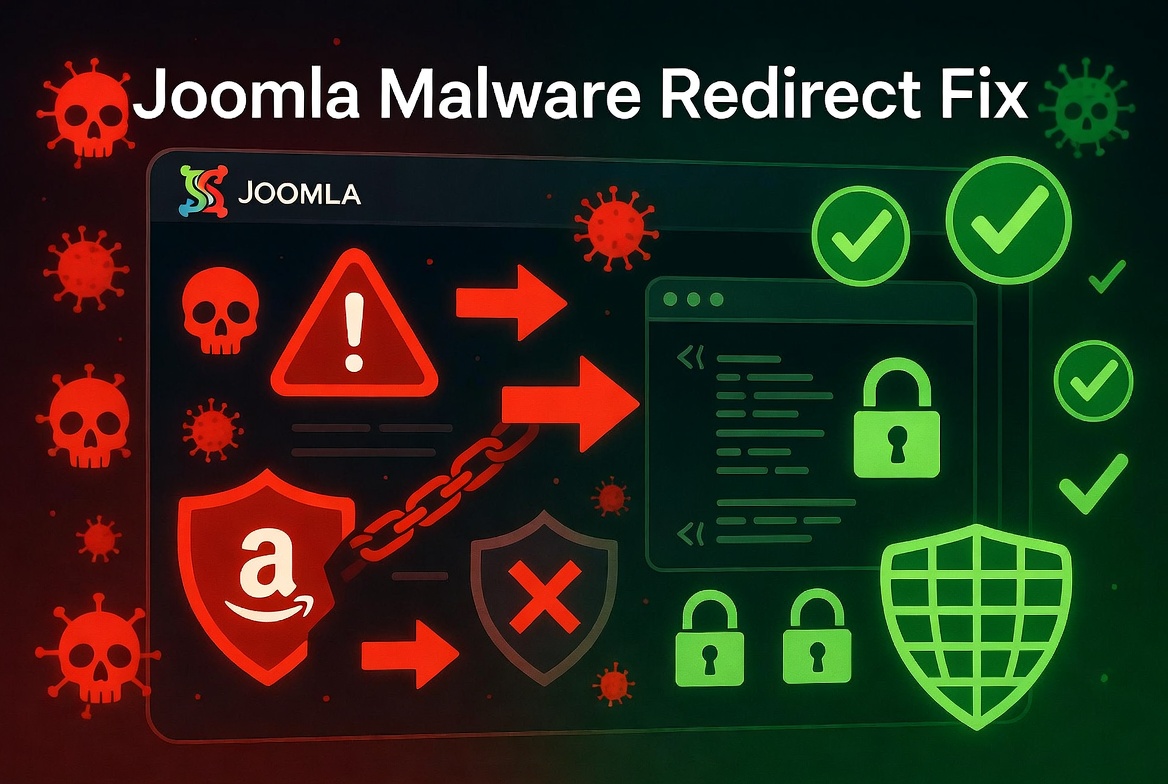
Joomla Website Redirecting to Amazon or Unknown Website After Malware Infection: How I Found and Fixed the Problem

Joomla Website Redirecting to Amazon or Unknown Website After Malware Infection: How I Found and Fixed the Problem

A hacked Joomla website can sometimes be difficult to diagnose because the visible symptom does not always reveal the real cause.

One common malware symptom is an unexpected redirect: visitors open the website and are automatically redirected to another domain, a suspicious page, an advertisement website, or a fake “hacked by” page.

Recently, I worked on a Joomla website that was affected by this type of malware infection. The website was redirecting visitors, but finding the exact source of the problem required several troubleshooting steps.

In this article, I will explain the investigation process, how the source of the problem was identified, and the final solution that restored the website.

Joomla 3 to Joomla 5 Migration Problems: Common Errors and How to Fix Them

Joomla 3 to Joomla 5 Migration Problems: Common Errors and How to Fix Them

Migrating an existing Joomla website from Joomla 3 to Joomla 5 is a much bigger process than a normal Joomla update. Unlike the upgrade from Joomla 4 to Joomla 5, moving from Joomla 3 requires careful preparation, because many extensions, templates, and custom modifications created for Joomla 3 are not compatible with the newer Joomla architecture.

After performing Joomla migrations for many websites, I noticed that most migration problems are not caused by Joomla itself. The most common causes are outdated extensions, unsupported templates, old PHP code, database changes, and server configuration differences.

This guide explains the most common Joomla 3 to Joomla 5 migration problems and practical solutions.

I Choose Joomla Over WordPress

Why I Choose Joomla Over WordPress for My Clients

In the world of website development, WordPress tends to dominate the conversation. It’s widely used, beginner-friendly, and incredibly flexible. So why, then, do I often recommend Joomla over WordPress to my clients?

The answer lies in the type of clients I serve and the level of control, flexibility, and structure Joomla provides out of the box. In this post, I’ll share the key reasons I regularly choose Joomla for professional websites and client projects.

How to Fix Common Joomla 5 Errors (With Real Examples)

How to Fix Common Joomla 5 Errors (With Real Examples)

Joomla 5 brings speed, modern architecture, and enhanced security — but like any powerful system, it's not immune to errors. Whether you're migrating from Joomla 3 or starting fresh, you might run into some common issues.

This post covers real-world Joomla 5 errors, why they happen, and most importantly — how to fix them.

7 Joomla Tricks

7 Joomla Tricks You Won’t Find in the Official Docs (Perfect for Beginners!)

Joomla is a powerful and flexible CMS, but let’s face it — the official documentation doesn’t always cover the clever little tricks that make your life easier. Whether you're just starting out or building your first business site, these hidden gems can save you hours and give your Joomla site a polished, professional edge.

Here are 7 Joomla tricks every beginner should know — and they’re rarely mentioned in the official docs!

How to Create a Contact Form in Joomla

How to Create a Contact Form in Joomla: Step-by-Step Guide

Joomla is a powerful content management system (CMS) that allows you to create dynamic websites with ease. One of the essential features for any website is a contact form, enabling visitors to get in touch with you. In this guide, we will show you how to create a contact form in Joomla step by step.

About

Saint Art Designs is a freelance Joomla web developer specializing in modern, responsive, and secure websites.

  • Joomla Web Development Service
  • Joomla Web Design
  • Joomla Upgrade
  • Joomla SEO

Why Hire Me?

With over two decades of experience in Joomla development, I deliver high-quality, stable, and scalable websites.

Each project is approached with precision, clear communication, and a focus on long-term value.

Get a Quote

Online Profiles

Freelancer
Upwork
Linkedin
Facebook
Google Review

Contact Info