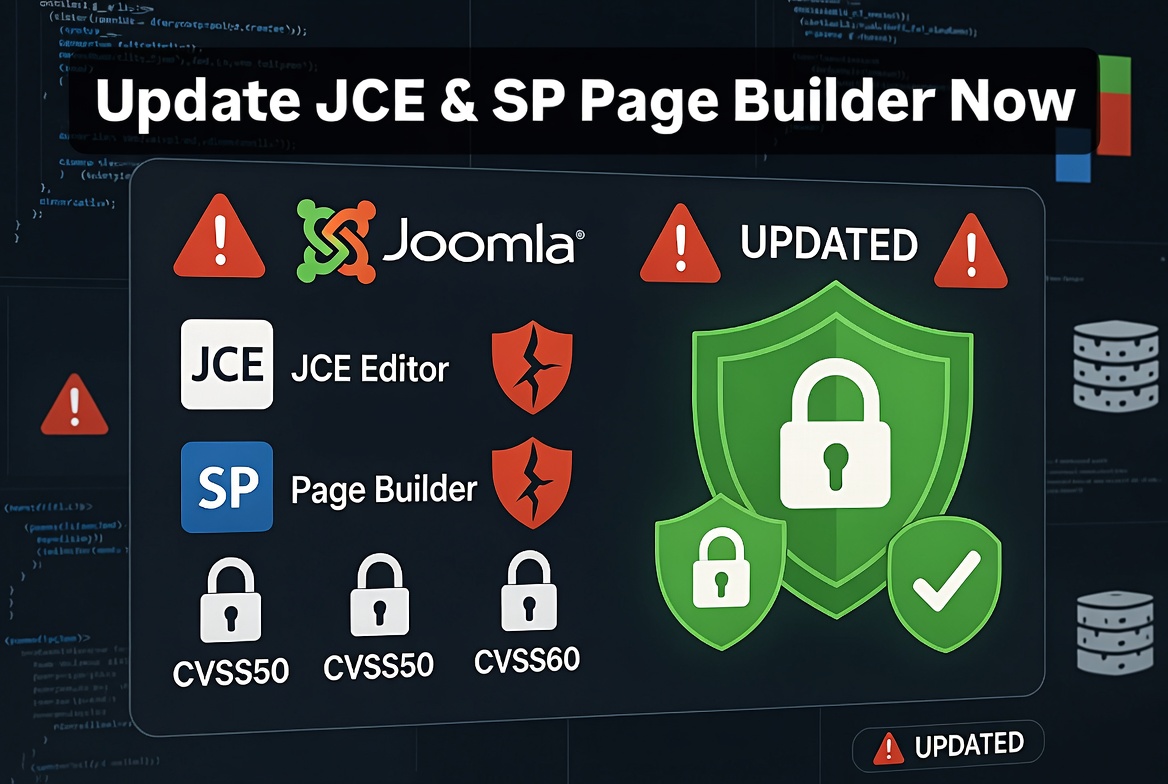
Keeping Joomla secure is not only about updating the Joomla core. Third-party extensions are an equally important part of website security.
Many Joomla websites are compromised not because of Joomla itself, but because installed extensions, templates, or plugins are outdated and contain known security vulnerabilities.
Two popular Joomla extensions that require regular updates are:
- JCE Editor
- SP Page Builder
Both extensions are widely used on Joomla websites, but running old versions can expose websites to unnecessary security risks.
Why Outdated Joomla Extensions Are Dangerous
Every Joomla extension adds additional code to your website. If that code contains a security vulnerability, attackers may use it as an entry point.
Common risks caused by outdated extensions include:
- unauthorized file uploads
- privilege escalation
- malicious code injection
- access to administrator functionality
- website defacement
- malware installation
Hackers constantly scan websites looking for known vulnerabilities in popular extensions. Once a vulnerability becomes public, automated attacks can target websites running outdated versions.
This means that an extension that was secure one year ago may become a security risk if it is not updated.
JCE Editor Security Risks
JCE Editor is one of the most popular Joomla editors and is installed on thousands of websites.
Because editors usually have access to file management features, image uploads, and content creation tools, they require special attention from a security perspective.
Older versions of JCE may contain vulnerabilities that could allow attackers to misuse file upload functionality or execute unauthorized actions.
How to Protect Your Website
The solution is simple:
- Always use the latest version of JCE Editor
- Remove unused editor plugins
- Restrict administrator access
- Limit who can upload files
- Monitor suspicious activity
After updating JCE, always check:
- editor permissions
- allowed file types
- upload settings
Do not allow unnecessary users to have access to advanced editor features.
SP Page Builder Security Risks
SP Page Builder is another popular Joomla extension used for creating modern website layouts.
Like any complex extension, it must be updated regularly.
Older versions may contain security issues related to:
- file handling
- frontend editing functionality
- user permissions
- input validation
An outdated page builder can become a potential entry point for attackers.
How to Fix SP Page Builder Security Issues
The recommended steps are:
- Update SP Page Builder to the latest version.
- Update the Helix Ultimate framework if used.
- Clear Joomla cache after updating.
- Check website functionality after the update.
- Review administrator users and permissions.
Always download updates from the official extension developer and avoid using modified or unofficial extension packages.
Keep Joomla Core and Extensions Updated
A secure Joomla website requires regular maintenance.
Your update checklist should include:
- Joomla core updates
- extension updates
- template updates
- plugin updates
- PHP version updates
Before updating:
- create a complete backup
- test important updates on a staging website
- check extension compatibility
Protect Joomla With RSFirewall
Updating extensions is the first security step, but additional protection is highly recommended.
A security extension such as RSFirewall can help monitor and protect Joomla websites.
Useful RSFirewall features include:
- malware scanning
- suspicious file detection
- firewall protection
- administrator protection
- security logging
- IP blocking
A firewall does not replace updates, but it adds an additional security layer.
Monitor Security Logs Regularly
Installing a security extension is not enough. Logs should be reviewed regularly.
Security logs can reveal:
- repeated failed login attempts
- suspicious IP addresses
- brute-force attacks
- unusual administrator activity
- blocked requests
Regular monitoring helps detect attacks before they become serious problems.
Block Suspicious and Spam IP Addresses
Many Joomla attacks come from automated bots scanning thousands of websites.
If you notice repeated malicious activity from specific IP addresses, blocking them can reduce unnecessary traffic.
Examples:
- repeated failed administrator logins
- spam submissions
- repeated requests for vulnerable files
- suspicious crawling behavior
You can block suspicious IP addresses using:
- RSFirewall
- server firewall tools
- hosting control panel security options
- Cloudflare firewall rules
Additional Joomla Security Recommendations
Disable Unused Extensions
Every installed extension increases the attack surface.
Remove:
- unused plugins
- old components
- abandoned templates
- test extensions
If you do not use it, remove it.
Protect Administrator Access
Recommended measures:
- use strong passwords
- enable Two-Factor Authentication
- limit administrator accounts
- remove unused users
- avoid using the default administrator username
Use Secure Hosting
A secure Joomla website also depends on server configuration.
Recommended:
- updated PHP version
- malware scanning
- regular backups
- firewall protection
- proper file permissions
Backup Strategy Is Essential
Security cannot guarantee that a website will never be compromised.
Always maintain:
- automatic backups
- off-site backup copies
- regular restore tests
A backup is only useful if it can actually be restored.
Tools such as Akeeba Backup are commonly used in the Joomla community for creating reliable website backups.
Final Thoughts
Joomla security is a continuous process. Updating Joomla core alone is not enough.
Outdated extensions such as JCE Editor and SP Page Builder can create unnecessary security risks if they are not maintained.
The best protection strategy is:
- Keep Joomla and all extensions updated.
- Use a security firewall such as RSFirewall.
- Monitor security logs regularly.
- Block suspicious IP addresses.
- Remove unused extensions.
- Maintain reliable backups.
A secure Joomla website is not created by one action. It requires regular updates, monitoring, and proactive maintenance.