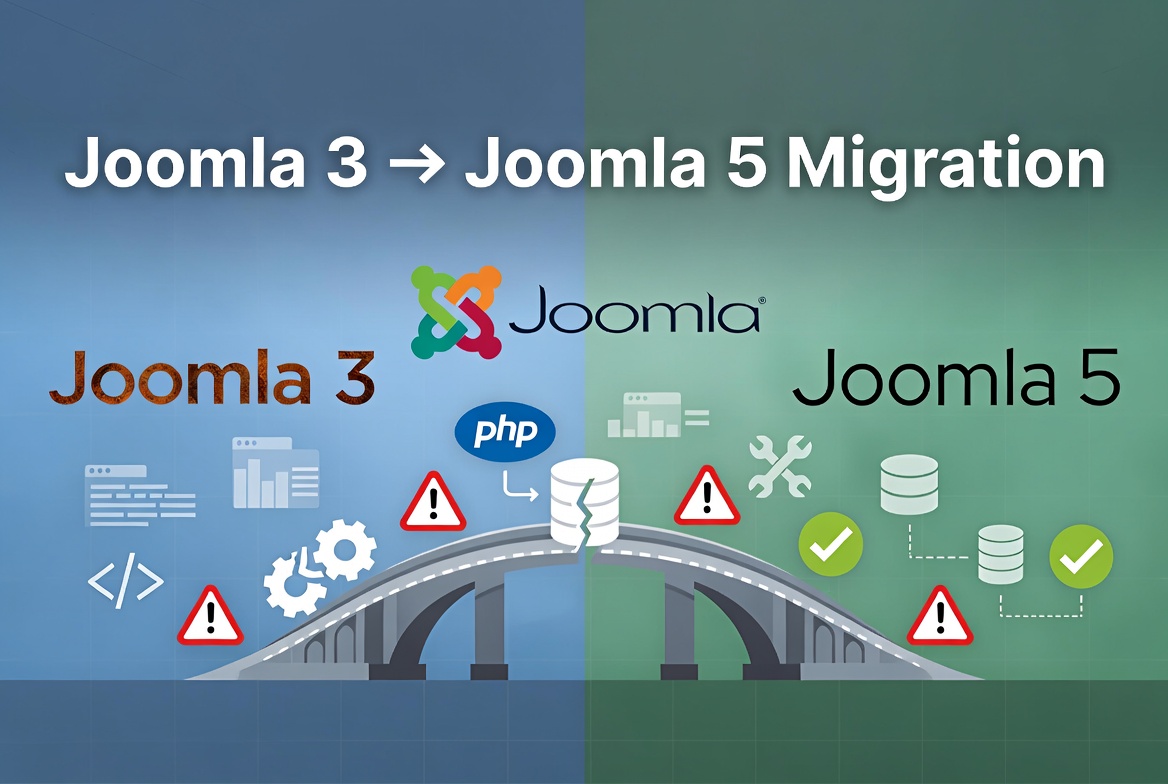
Migrating an existing Joomla website from Joomla 3 to Joomla 5 is a much bigger process than a normal Joomla update. Unlike the upgrade from Joomla 4 to Joomla 5, moving from Joomla 3 requires careful preparation, because many extensions, templates, and custom modifications created for Joomla 3 are not compatible with the newer Joomla architecture.
After performing Joomla migrations for many websites, I noticed that most migration problems are not caused by Joomla itself. The most common causes are outdated extensions, unsupported templates, old PHP code, database changes, and server configuration differences.
This guide explains the most common Joomla 3 to Joomla 5 migration problems and practical solutions.
Before Starting Joomla 3 to Joomla 5 Migration
Before migrating a production website, always create a complete backup and test the migration on a staging copy.
Before starting, check:
- Joomla 3 version is updated to the latest Joomla 3 release
- All extensions are updated
- Template compatibility is confirmed
- Hosting supports the required PHP version
- Unused extensions are removed
- Custom code is reviewed
A successful migration depends on preparation. Trying to migrate an old Joomla 3 website with outdated extensions usually results in errors.
Joomla 3 Extensions That Can Break Joomla 5 Migration
One of the biggest challenges during Joomla 3 to Joomla 5 migration is extension compatibility.
Many Joomla 3 websites contain extensions that have not been updated for years. Some extensions may still work correctly on Joomla 3 but fail completely after moving to Joomla 5.
Common problematic extensions include:
- abandoned extensions without Joomla 4/5 support
- old component versions
- outdated plugins
- custom-developed extensions
- old template frameworks
Typical symptoms:
- White screen
- PHP fatal errors
- Missing classes
- Administrator errors
- Broken frontend layout
How to Handle Old Extensions
Before migration:
- Create a list of all installed extensions.
- Check each extension developer website.
- Confirm Joomla 5 compatibility.
- Replace unsupported extensions before migration.
- Remove extensions that are no longer used.
Do not migrate unnecessary extensions. Every additional extension increases the possibility of compatibility problems.
White Screen After Joomla 3 to Joomla 5 Migration
A blank page after migration is one of the most common problems.
The website may show:
- completely empty page
- HTTP 500 error
- blank administrator area
Usually this happens because PHP encounters a fatal error.
Common causes:
- incompatible extension
- old template code
- outdated PHP functions
- missing PHP dependency
How to Find the Problem
Enable error reporting:
System → Global Configuration → Server
Set:
Error Reporting → Maximum
If administrator access is not available:
- check hosting PHP error logs
- enable Joomla debug mode
- temporarily disable suspicious extensions
The error message usually reveals which extension or file is causing the problem.
Call to Undefined Method Errors After Migration
A very common Joomla 3 to Joomla 5 migration error looks like:
Call to undefined method Joomla\CMS\...or:
Call to undefined method ...This happens because Joomla 5 removed some older functions and APIs that Joomla 3 extensions relied on.
Solution
The recommended solution:
- Update the extension to the Joomla 5 compatible version.
- Contact the developer if no update exists.
- Replace outdated extensions.
Avoid modifying Joomla core files to fix these errors. Core modifications will be overwritten during future updates.
Template Problems After Joomla 3 to Joomla 5 Migration
Templates are one of the biggest migration challenges.
Many Joomla 3 templates were built on older frameworks that are not compatible with Joomla 5.
Common problems:
- broken layout
- missing CSS
- incorrect module positions
- JavaScript errors
- mobile display issues
Solution
Before migration:
- update the template framework
- update template plugins
- check Joomla 5 compatibility
After migration:
- clear Joomla cache
- regenerate template CSS files if required
- check browser console errors
For websites using frameworks such as Helix Ultimate, always make sure the latest compatible version is installed.
Joomla Administrator 403 Error After Migration
Sometimes the website frontend works, but administrator access returns:
403 Forbidden
You are not allowed to access this resource
Possible causes:
- hosting security rules
- ModSecurity
- incorrect permissions
- security extensions
Solution
Check:
- server error logs
- security extension settings
- file and folder permissions
- hosting firewall rules
If the website was moved to a new server during migration, compare server configuration with the previous hosting environment.
Database Problems After Joomla 3 to Joomla 5 Migration
After migration Joomla may report database issues.
Examples:
Database schema version does not matchor missing database updates.
Solution
Go to:
System → Maintenance → Database
Click:
Fix
Joomla will check the database structure and apply required changes.
PHP Compatibility Problems
Joomla 3 websites often run on older PHP versions such as PHP 7.4.
Joomla 5 requires a modern PHP environment.
Migration problems may happen because:
- server is using unsupported PHP version
- old extensions contain outdated PHP code
- required PHP extensions are missing
Before migration check:
- PHP version
- PHP extensions
- memory limits
- server configuration
A website that works perfectly on Joomla 3 and PHP 7 may fail after moving to Joomla 5 and PHP 8.x.
Joomla Website Redirecting or Hacked After Migration
Some Joomla websites experience unexpected redirects after migration.
Symptoms:
- visitors are redirected to another website
- homepage shows unknown content
- suspicious JavaScript appears
- unknown files are created
Possible causes:
- infected extensions
- modified template files
- malicious PHP files
- infected .htaccess files
How to Fix It
Check:
- index.php files
- template files
- plugin folders
- .htaccess files
- recently modified files
Look for suspicious code such as:
- base64_decode()
- eval()
- external redirects
Restore clean Joomla core files, update extensions, and scan the complete website.
Final Recommendations for a Successful Joomla 3 to Joomla 5 Migration
A successful migration requires more than clicking the update button.
The safest process is:
- Backup the complete website.
- Remove unused extensions.
- Update all compatible extensions.
- Check template compatibility.
- Test the migration on a staging website.
- Review server logs when problems appear.
- Update PHP and server configuration.
Most Joomla 3 to Joomla 5 migration problems can be solved when the error message is analyzed correctly. The key is not guessing, but identifying the exact extension, template, or server configuration causing the problem.